
In an increasingly data-driven world, traditional workforce management is rapidly evolving. Business leaders are now leaning into digital solutions not only to streamline operations but also to understand their workforce better. Among these tools, employee productivity analytics is emerging as a game-changer. By capturing and interpreting productivity data, organizations can unlock insights that drive smarter decision-making, boost performance, and enhance overall organizational health.
For entrepreneurs and business leaders, the integration of employee productivity analytics into workforce management is not just a trend—it’s a competitive necessity. From identifying inefficiencies to promoting high performers, these analytics offer actionable intelligence that fosters agility and resilience in an ever-changing market.
Let’s explore how this powerful tool is reshaping the way businesses manage their people, align goals, and achieve operational excellence.
What is Employee Productivity Analytics?
At its core, employee productivity analytics refers to the collection, measurement, and analysis of data related to how employees perform their tasks. It leverages software tools and digital platforms to track metrics such as time spent on activities, task completion rates, and even qualitative measures like engagement levels.
Why it matters:
- It reveals patterns and trends in employee behavior.
- It helps in identifying bottlenecks or inefficiencies.
- It offers insights into team dynamics and collaboration effectiveness.
- It supports data-backed decision-making for HR and business leaders.
For example, time-tracking tools or performance dashboards can monitor productivity levels over time, helping leaders identify where improvements are needed or where recognition is due.
Why Traditional Workforce Management Falls Short
Before the advent of productivity analytics, managers relied on subjective evaluations, anecdotal evidence, and periodic performance reviews to gauge employee output. However, these traditional methods often:
- Lack consistency and objectivity
- Are time-consuming and error-prone
- Miss real-time performance fluctuations
- Fail to account for hidden workloads or burnout
In fast-paced environments, these gaps can result in missed opportunities and poor workforce morale. Employee productivity analytics fills these gaps with real-time, reliable, and relevant data.
How Employee Productivity Analytics Enhances Decision-Making
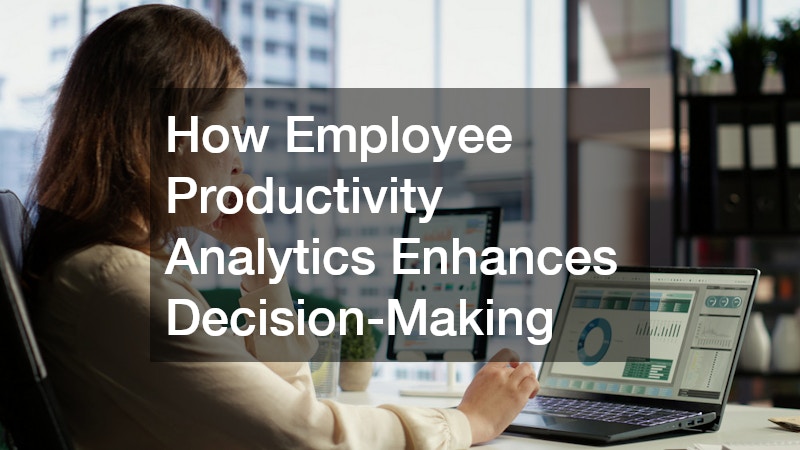
Employee productivity analytics equips leaders with concrete data, enabling proactive and strategic decision-making. Rather than guessing why a team’s output is declining, managers can:
- Pinpoint specific tasks or systems causing delays
- Identify individuals who may need support or training
- Adjust workloads based on actual performance data
- Set realistic and measurable goals for teams
Key benefits include:
- Data-backed performance reviews: Eliminate bias by basing evaluations on measurable outputs.
- Smarter resource allocation: Redirect efforts and resources to where they’re most needed.
- Real-time insights: Detect performance drops early and intervene quickly.
When properly applied, analytics transforms workforce management from reactive oversight into proactive leadership.
What Metrics Should You Track?
The effectiveness of your analytics strategy depends on the metrics you choose. Here are some common and insightful metrics for tracking productivity:
- Task Completion Rate: How many assigned tasks are completed within a timeframe?
- Utilization Rate: Measures how much of an employee’s time is spent on productive work.
- Time on Task: Helps identify tasks that take longer than expected.
- Attendance and Punctuality: Reveals patterns in absenteeism or tardiness.
- Project Timelines: Tracks project duration vs. expected timelines.
- Employee Engagement Scores: Surveys and sentiment analysis to measure motivation and satisfaction.
Tip: Customize your metrics based on your industry, department goals, and company culture.
Real-World Applications: Case Studies and Examples
To understand how employee productivity analytics transforms workforce management, let’s look at a few practical examples:
1. A Tech Startup Improves Developer Efficiency
A mid-sized software company used productivity analytics to track time spent coding, attending meetings, and resolving bugs. They discovered developers were spending 35% of their time in meetings, affecting sprint velocity. By adjusting meeting schedules, they improved productivity by 20%.
2. A Retail Chain Optimizes Scheduling
A national retail chain analyzed employee productivity data across locations. They identified stores with high sales-per-employee ratios and duplicated successful scheduling practices across other branches. The result? A 15% increase in sales efficiency.
3. Remote Teams in a Consulting Firm
A consulting firm with a hybrid workforce used productivity analytics to monitor remote employee output. Through time-tracking and engagement tools, they ensured accountability without micromanagement, leading to a 12% improvement in client deliverables on-time delivery rate.
Addressing Privacy and Ethical Concerns
Monitoring productivity raises valid concerns about employee privacy, trust, and morale. Leaders must balance oversight with respect and transparency.
Ethical best practices include:
- Informing employees about what data is collected and why
- Allowing opt-ins for certain types of monitoring
- Avoiding invasive tools (e.g., keystroke logging or webcam access)
- Using aggregated, anonymized data for trend analysis
- Emphasizing support over surveillance
Ultimately, analytics should empower employees, not punish them. Create a culture where data drives improvement, not fear.
Boosting Employee Engagement with Analytics
While productivity analytics is often viewed as a management tool, it can also greatly benefit employees by:
- Highlighting strengths and achievements
- Providing clarity on performance expectations
- Facilitating better workload distribution
- Identifying training and development needs
For example, if analytics show that an employee excels in cross-functional projects, managers can assign more strategic tasks, increasing engagement and retention.
Remember: Engaged employees are 17% more productive, according to Gallup. Productivity analytics is a means to support—not pressure—your workforce.
Integrating Analytics with Other HR Systems
To maximize its potential, productivity analytics should integrate with broader HR technologies:
- HRIS (Human Resource Information Systems): Sync data for more accurate payroll, benefits, and compliance reporting.
- Performance Management Software: Align analytics with KPIs, reviews, and goal-setting.
- Learning Management Systems (LMS): Identify training needs and link them to learning paths.
- Engagement Platforms: Correlate productivity with engagement surveys and feedback tools.
A connected ecosystem ensures seamless data flow, minimizes manual input, and enables holistic workforce insights.
Choosing the Right Tools for Employee Productivity Analytics
With so many options available, choosing the right platform can feel overwhelming. Consider these features:
- User-Friendly Interface: Easy for both managers and employees to navigate
- Customizable Dashboards: Tailor metrics to your specific business needs
- Real-Time Reporting: Get instant access to current performance data
- Integration Capabilities: Seamlessly connect with your existing HR stack
- Data Privacy Controls: Ensure compliance with regulations like GDPR or HIPAA
Popular tools include:
- Time Doctor
- Hubstaff
- ActivTrak
- Microsoft Viva Insights
- BambooHR with analytics modules
How to Successfully Implement Productivity Analytics in Your Business
Integrating employee productivity analytics into your workforce strategy requires planning and communication.
Follow these steps:
- Define your goals: What problems are you trying to solve? Is it low performance, poor time management, or burnout?
- Choose the right metrics and tools: Match your tools to your workforce structure and culture.
- Communicate with your team: Be transparent about what data is being collected and why.
- Train managers and employees: Ensure everyone knows how to interpret and use the data.
- Start small and scale: Pilot with one team or department before organization-wide rollout.
- Review and iterate: Regularly analyze the effectiveness of your analytics strategy and refine accordingly.
Employee Productivity Analytics: A Competitive Advantage
In today’s market, data-savvy companies are winning. By harnessing employee productivity analytics, organizations can:
- Respond faster to performance issues
- Enhance employee well-being
- Improve operational efficiency
- Make better hiring and promotion decisions
This competitive edge is especially crucial in industries like tech, finance, healthcare, and remote-first companies, where productivity directly impacts profitability.
Looking Ahead: The Future of Workforce Analytics
As AI and machine learning advance, productivity analytics will evolve from descriptive (what happened) to predictive (what will happen). Expect future tools to:
- Forecast burnout based on behavior trends
- Suggest personalized productivity hacks
- Automatically assign tasks based on performance profiles
- Offer predictive insights for workforce planning
The role of analytics in workforce management will shift from support to strategic leadership, guiding everything from hiring to succession planning.
Related Topics You Should Explore
If you’re serious about leveraging employee productivity analytics, consider diving into these related areas:
- Top KPIs to Track in Employee Productivity Analytics: Learn the most effective metrics for measuring success.
- Using AI in Employee Productivity Tools: Discover how artificial intelligence is refining analytics accuracy.
- Balancing Productivity Monitoring and Privacy: A guide to ethical implementation.
- Performance Reviews Powered by Analytics: How to make reviews more objective and insightful.
- Remote Team Management Through Analytics: Optimizing distributed teams with the right tools and metrics.
How to Use Employee Productivity Analytics to Support Performance Reviews
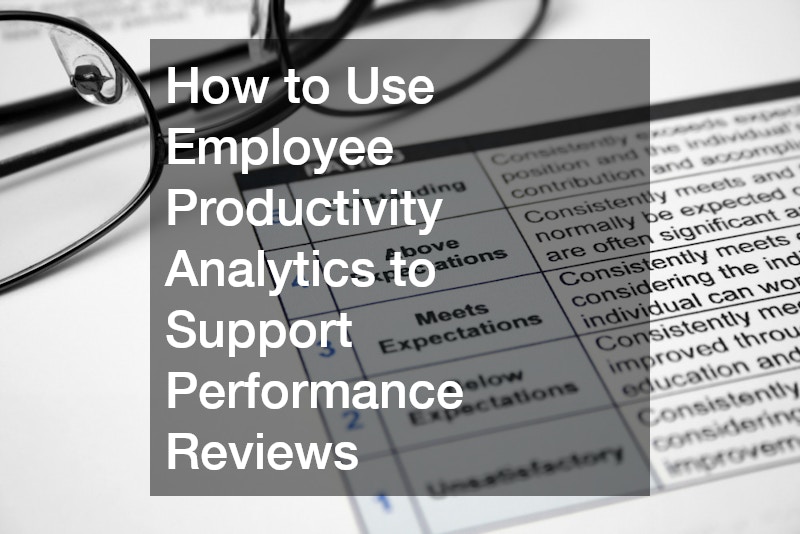
Performance reviews can often feel subjective or disconnected from daily work. Integrating employee productivity analytics brings clarity and fairness to the process, aligning evaluations with real-world contributions and outcomes. By basing reviews on data, managers can provide more meaningful feedback, set realistic goals, and better recognize individual achievements.
Here’s how analytics can enhance your review process:
- Provide objective evidence: Use tracked metrics like task completion rates and project contributions to support feedback.
- Identify development areas: Spot trends that indicate training needs or workflow inefficiencies.
- Enable continuous feedback: Move away from once-a-year evaluations to ongoing performance conversations.
- Support merit-based rewards: Align raises, promotions, or bonuses with consistent performance data.
- Foster transparency: Employees can see how their performance is measured and understand expectations.
When integrated thoughtfully, productivity analytics makes performance reviews more accurate, motivating, and development-focused.
Final Thoughts
Employee productivity analytics is more than a buzzword; it’s a strategic enabler of smarter, faster, and more humane workforce management. When implemented ethically and thoughtfully, it empowers both leaders and employees to perform at their best.
Entrepreneurs and business leaders who embrace this shift are better equipped to navigate uncertainty, retain top talent, and achieve sustainable growth.